Robo 3D
3D PRINTER INTERFACES
Designing user friendly 3D printer interfaces to make 3D printing approachable to users at home and in the classroom.
2017 - 2018
ROLES & RESPONSIBILITIES
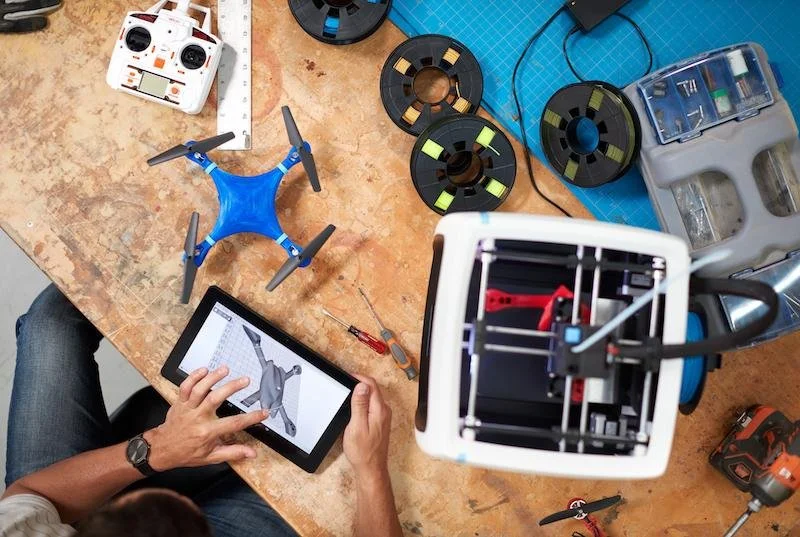
Working a hybrid role at a startup as a product engineer and UX designer, I helped design and create an end to end experience for consumer 3D printers, including the launch of a brand new model, design and refinement of all the digital and physical touch points of the printers, unboxing, getting started & help guides. I also ran a beta testing program for the digital and physical products and contributed to marketing materials and a company website redesign.
R2 3D PRINTER LAUNCH
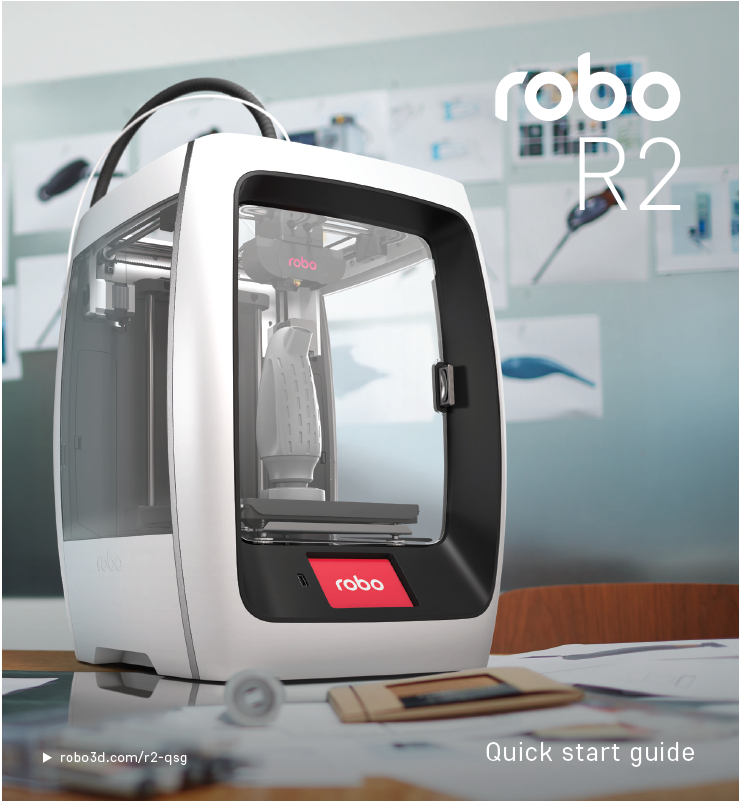
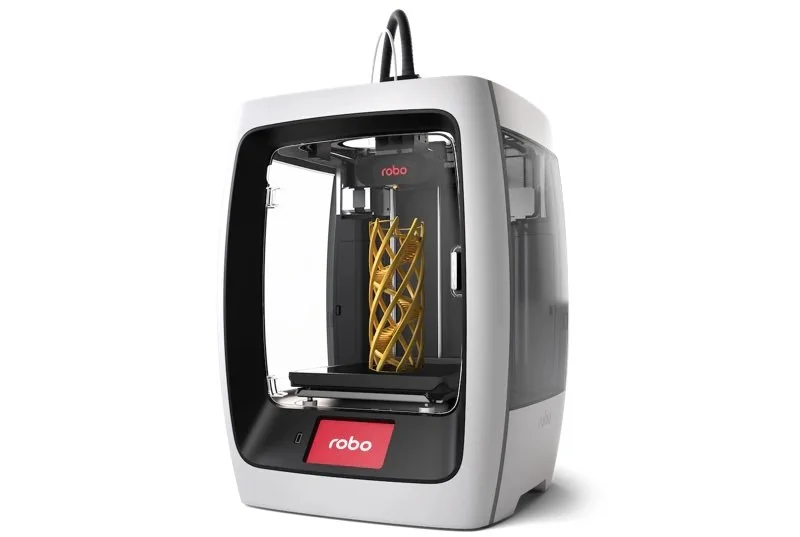
The Robo R2 was engineered with advanced features for serious makers and professional applications. It was awarded the 2017 CES Best of Innovation Award: 3D Printing and 2017 Good Design® Award in the Product Design Category.
I helped resolve technical issues and finalize production of the printers, as well as ran a customer feedback program after launch.
3D PRINTER TOUCHSCREEN INTERFACE
PROCESS FLOWS
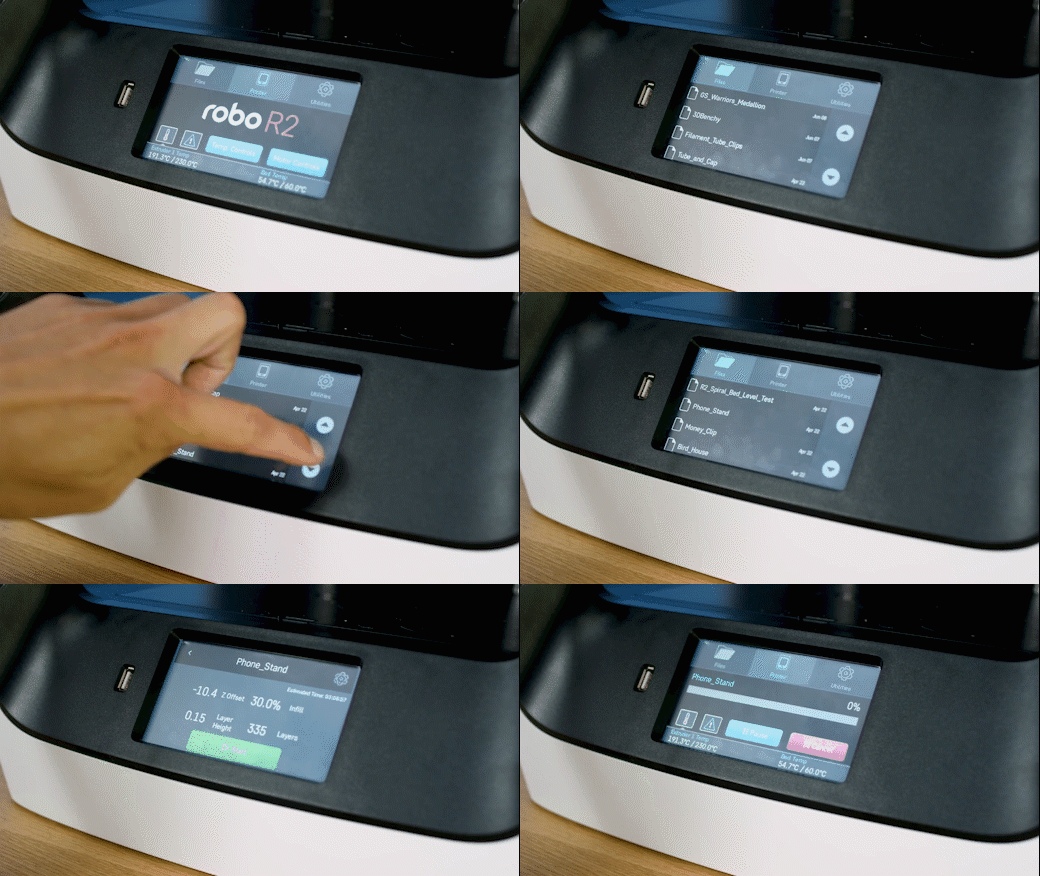
I designed numerous workflows/interfaces and wrote copy for the 3x5" touchscreen displays on the front of the 3D printers. Workflows ranged anywhere from basic process maps to full high fidelity mockups. Most of the printer controls and wizards are done on this small touchscreen, so efficiency and clarity were highly important design considerations.
Software update system flow including updates targeted directly to specific printers for testing purposes.
Wireframes for an overhaul to the structure of the on-printer file storage system and interface.
ROBO MOBILE
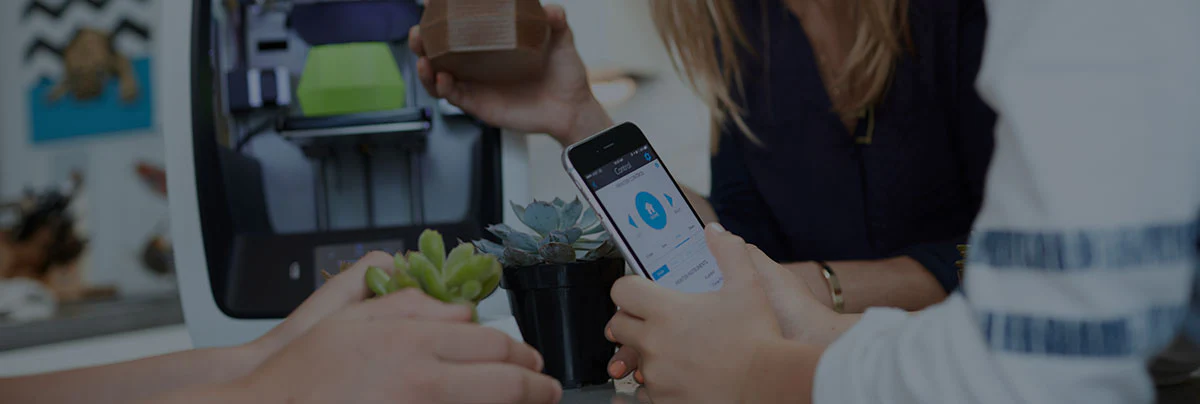
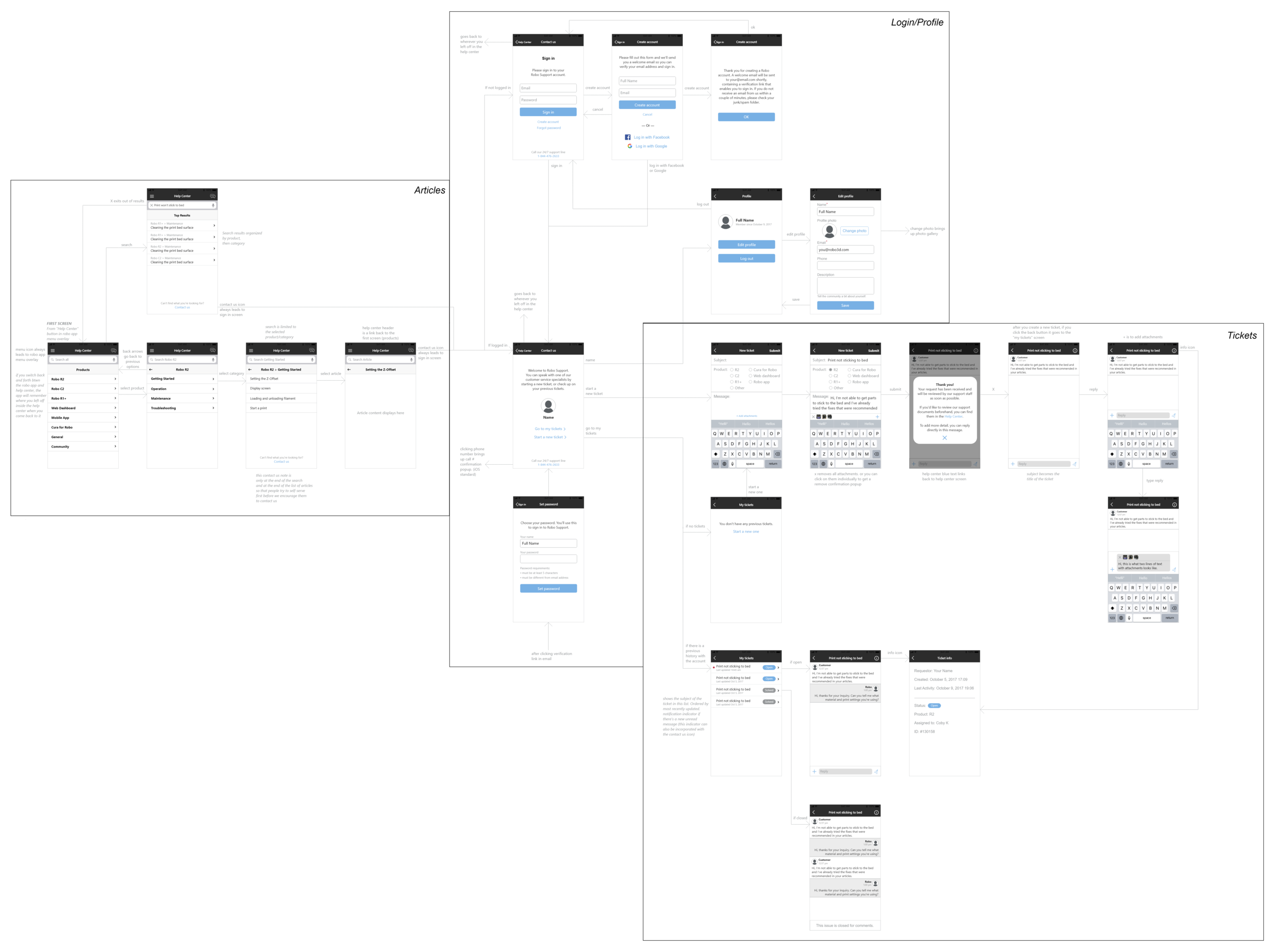
I created wireframes for new features and made improvements to previously existing designs within the Robo 3D printing app, including designing a custom interface and workflow for Zendesk integration into the Robo mobile app.
Robo uses Zendesk to manage all of their customer service tickets. To increase awareness of the online documentation and encourage people to seek their own solutions, we integrated a Zendesk powered Help Center in the Robo mobile app.
R2 3D PRINTER QUICK START GUIDE
I collaborated with the marketing and graphic design teams to create the printer quick start guides, which walk a new user through the initial machine setup with step by step instructions. Getting a 3D printer calibrated and ready to print can be a bit of a tricky process. The goal of the quick start guides was to optimize these steps and ease the process while educating the customer about their new printer. That first time setup is a key moment for the customer experience. Every little detail in the guide counts. I gave the team direction on the step-by-step process, images, copy, information architecture, and the guide layout.