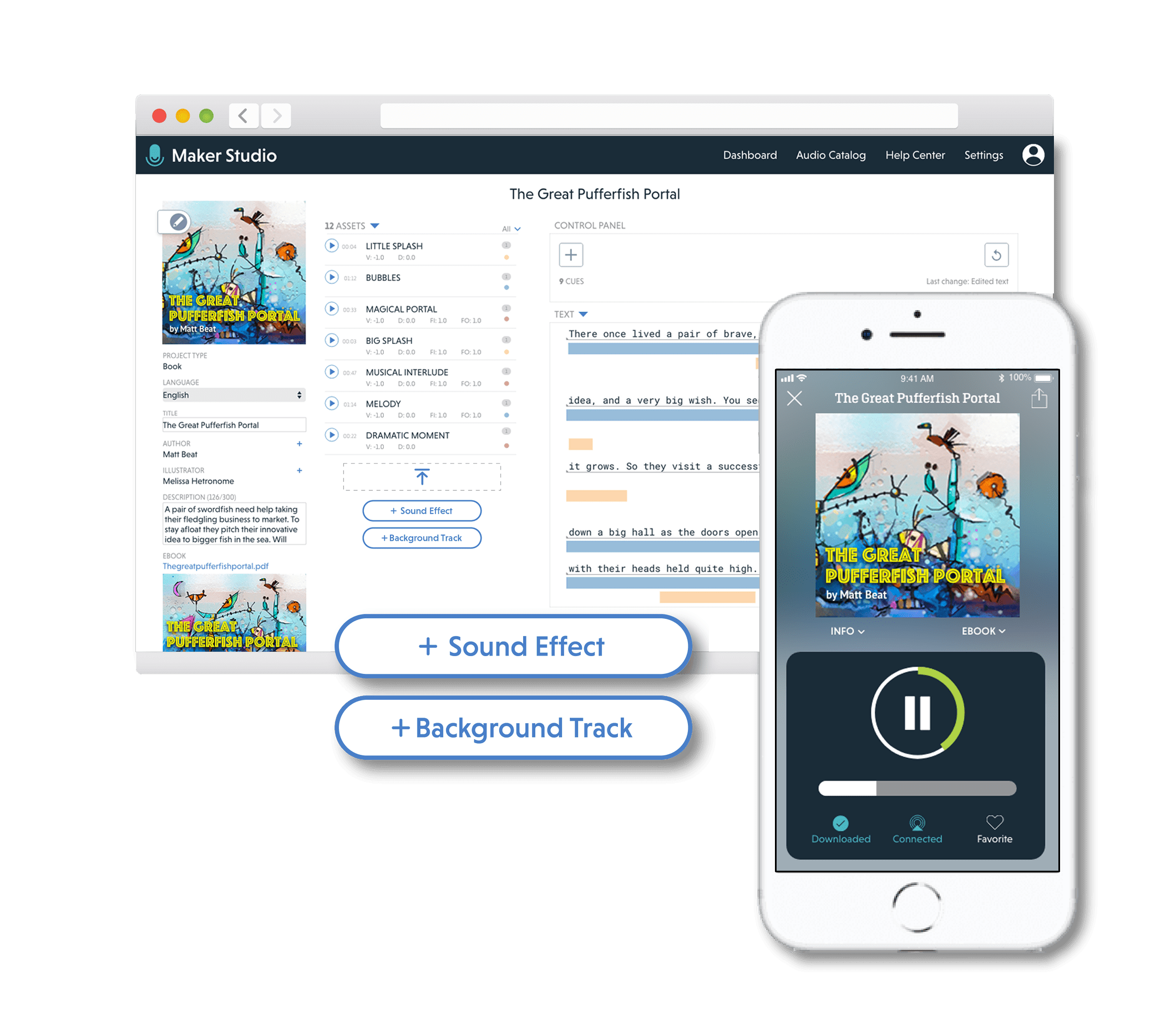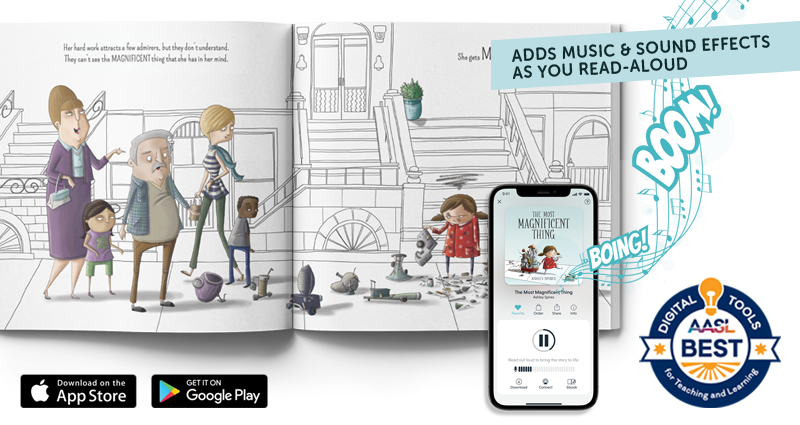
Novel Effect elevates story time by adding voice-interactive elements to physical books, ebooks and videos. I worked on three primary apps for Novel Effect: a children’s book mobile app, an interactive video player, and the proprietary creation and publishing platform. The book app follows the reader’s voice in the story and plays responsive, immersive soundscapes that enhance the story. Interactive videos allow the user to advance the story when they read given prompts. Both applications add a new, engaging dimension to children's literature and media experiences in educational and home settings.
As the sole UX/UI designer at a small startup, I led the end to end UX process from research to final production for the mobile app, video apps, and the creator studio. Including:
Conducted user research with parents, teachers and sound designers/music composers
Scoped features, created product roadmap, created wireframes & high fidelity final designs, conducted design reviews, created and maintained design system & style guides
Collaborated with developers to implement and test features, deployed to beta testing groups, collected & integrated feedback
Wrote copy for marketing emails, website, app stores
Novel Effect
VOICE-INTERACTIVE CHILDREN’S MEDIA APPS
Designing apps that enrich the experience of reading out loud with kids at home and in the classroom.
2018 - 2020
OVERVIEW
ROLE & CONTRIBUTIONS
MOBILE
The award winning mobile app follows the sound of your voice as you read aloud from your favorite children’s book. As you read from your physical copy of the book, the mobile app plays music, sound effects, and character voices that respond based on where you’re at in the story.
The app was designed for iOS and Android, with light and dark modes.
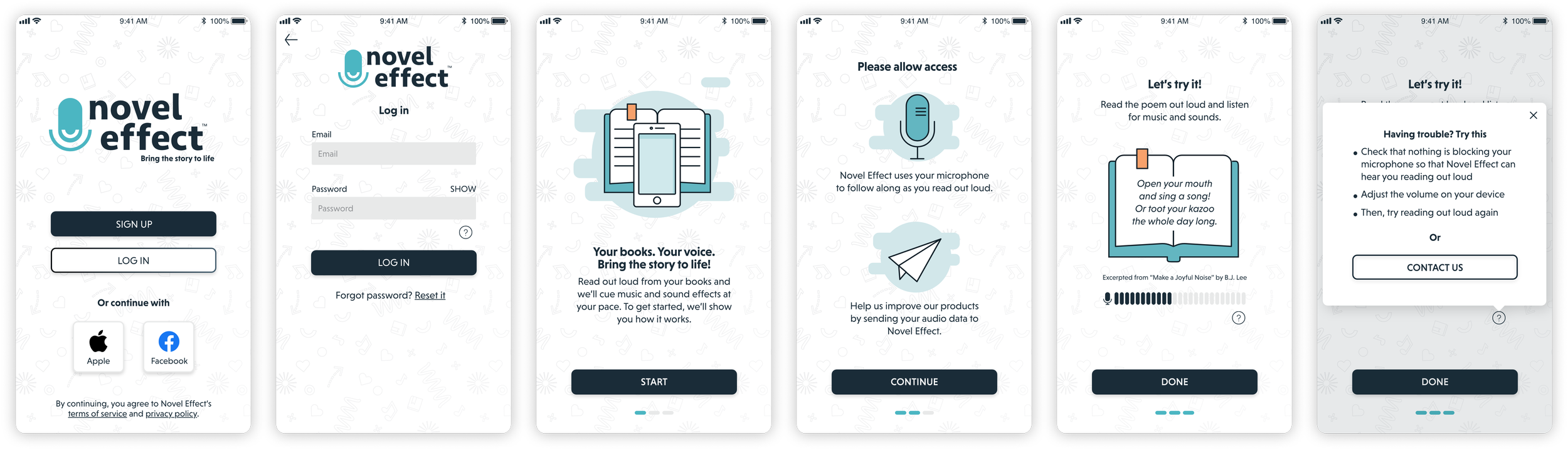
There was a balance of using familiar audio app features while also indicating that the app functions differently than a play-out-loud app. Also, with young kids being some of our core users (not just their parents) visual queues and simplicity were key for making the experience seamless for all. The whole experience can be played out with just two taps. Find the book, start the audio.
ONBOARDING
NAVIGATION
A formal onboarding process was decided on since 1) the app will not function without express microphone permission from the user and 2) the app functions different than a user might expect from a typical audio app. The walkthrough gives a brief explanation of app functionality, permissions required and why, and an opportunity to practice reading aloud a sample text with sounds. If a sticking point was reached, instruction and action steps were provided to help move people along.
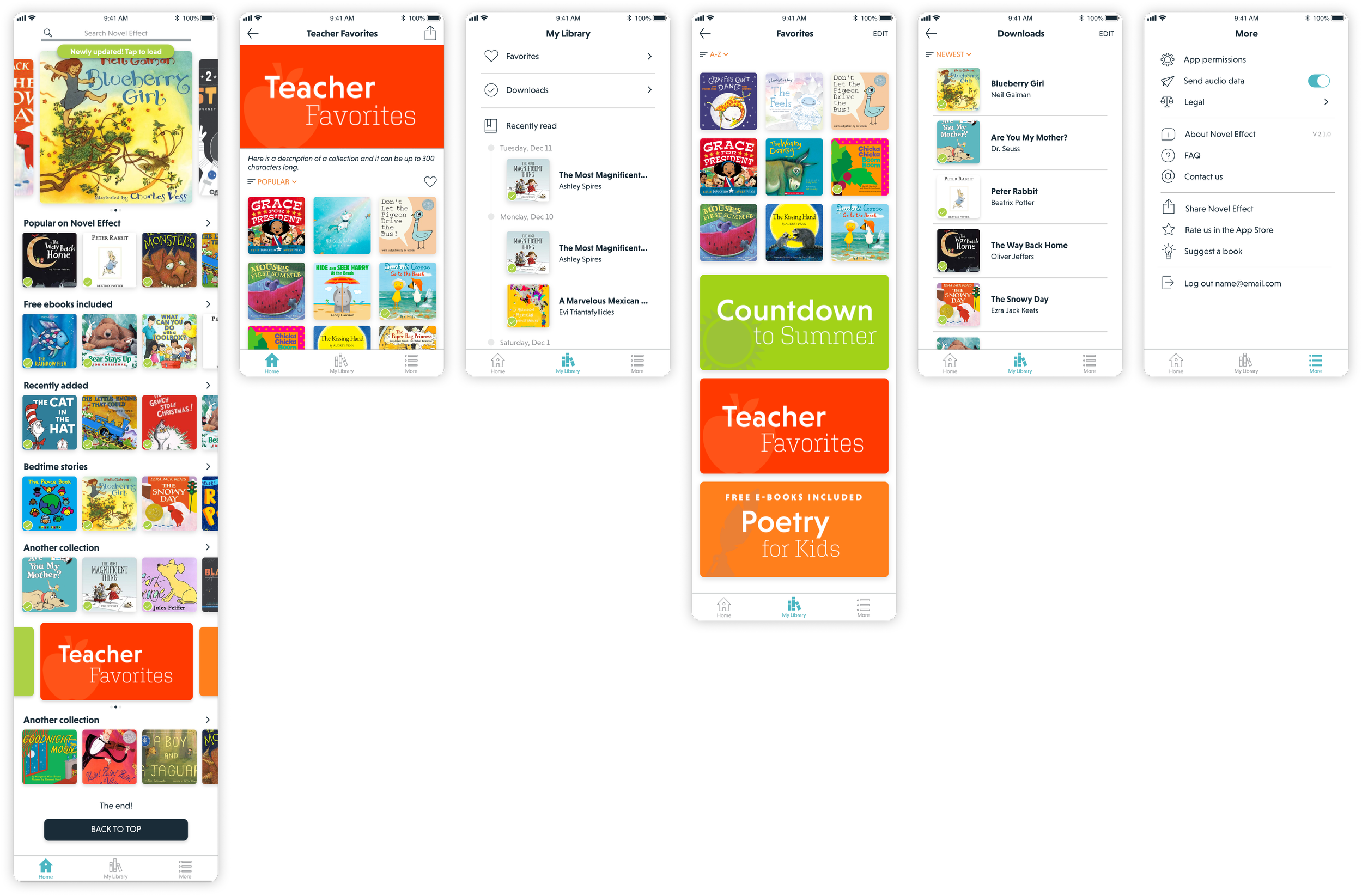
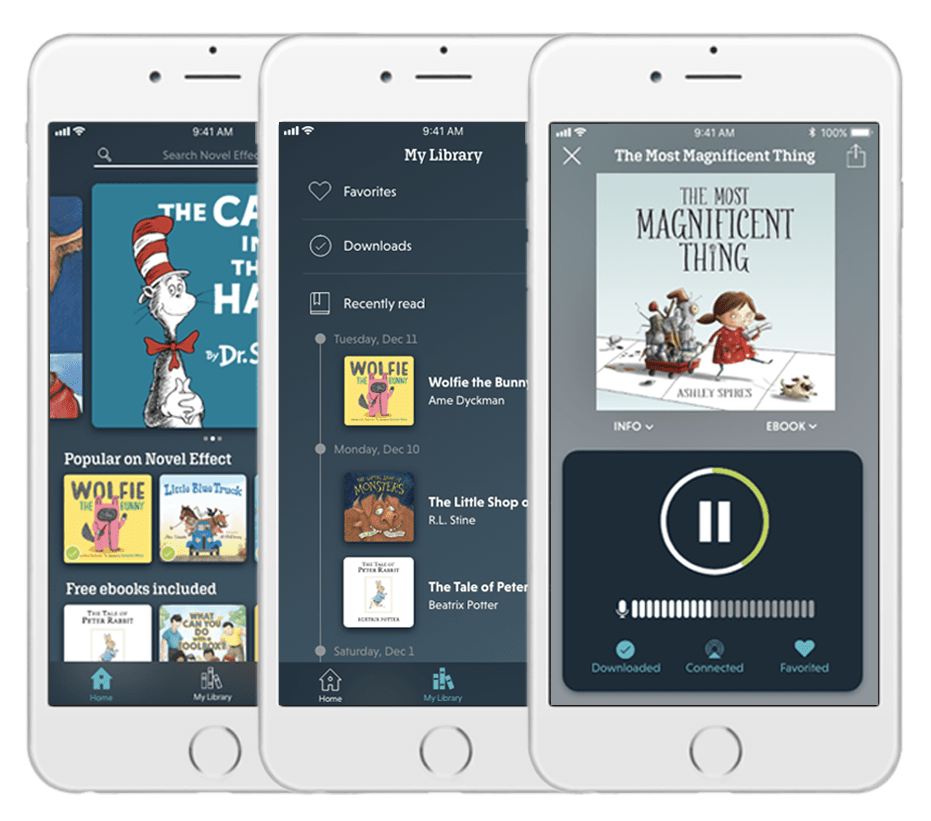
The Home tab contains the entire app library, which are also grouped in collections. My Library keeps track of recent reads, downloads, and favorited books and collections. The More tab contains all of the settings, information, and account functions.
MEDIA PLAYER
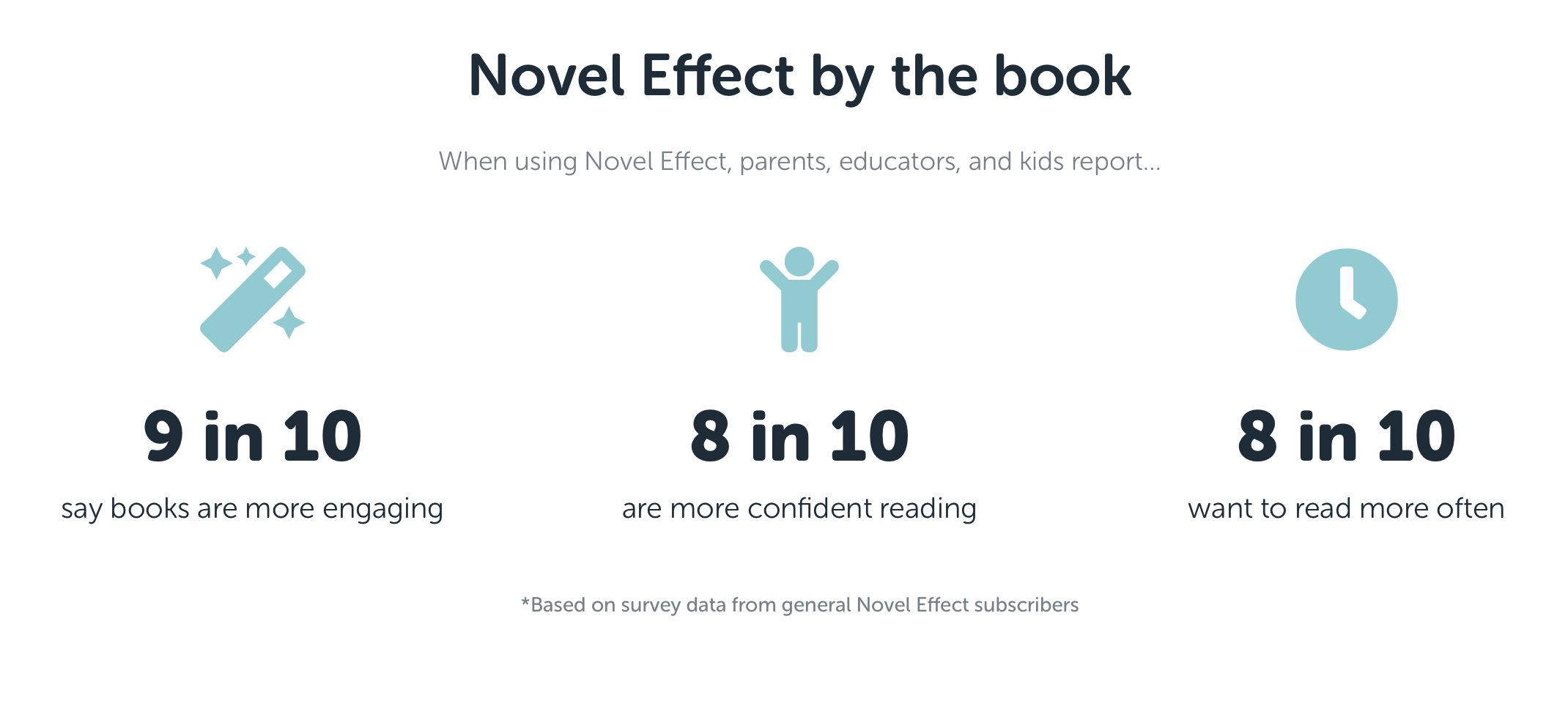
ACHIEVEMENTS
• 2020 ALA Notable Children’s Digital Media
• 2019 Good Design Award - Interactive Media
• 2019 Davey Award - Best Integrated Mobile Experience
• 2019 Davey Award - Best Visual Design and Function
• 2019 American Association of Libraries (AASL) Best App for Teaching & Learning
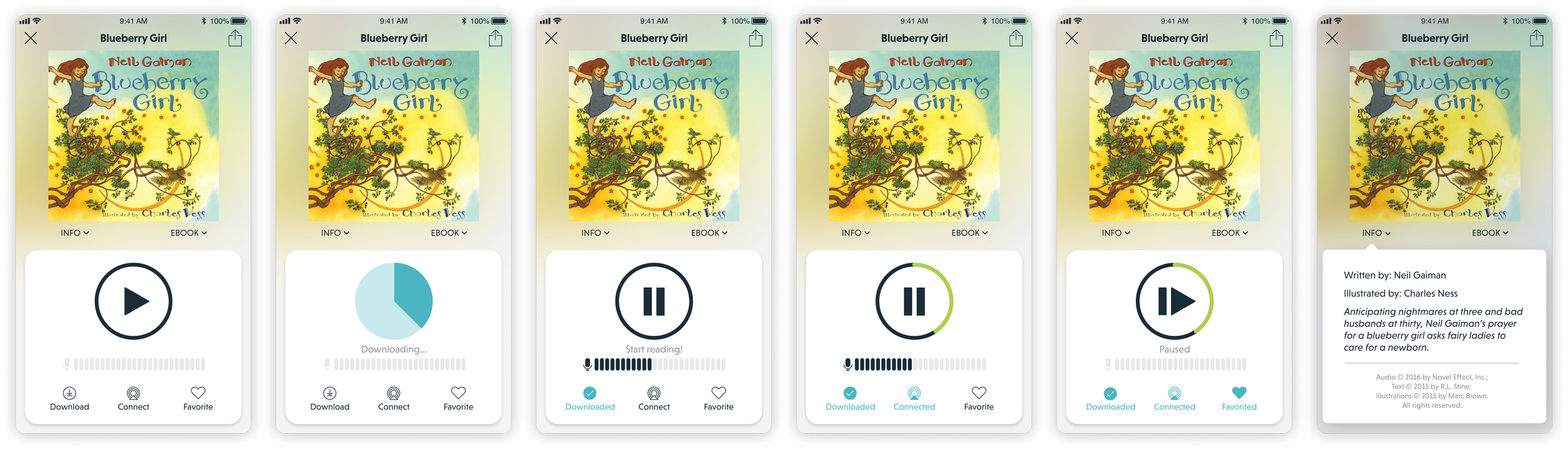
The main functionality for the media player. Once the book is selected, the reader simply presses play and sets the phone aside. Once the book is downloaded, the reader is shown that the microphone is on and the volume levels it is picking up. The sounds can be paused and resumed at any point in time, and the green fill around the play button denotes how far along in the story the user is (although the app will keep up if you skip around or re-read your favorite parts!)
CONSIDERATIONS
VIDEO PLAYER
Novel Effect Video uses the sound of people’s voices to drive the story forward. People are given lines as a character or narrator in the story, prompting responses from other characters and initiating the next scene. This interface was created as a demo to show the capabilities of the technology as well as the new creative opportunities it makes possible.
WEB BROWSER
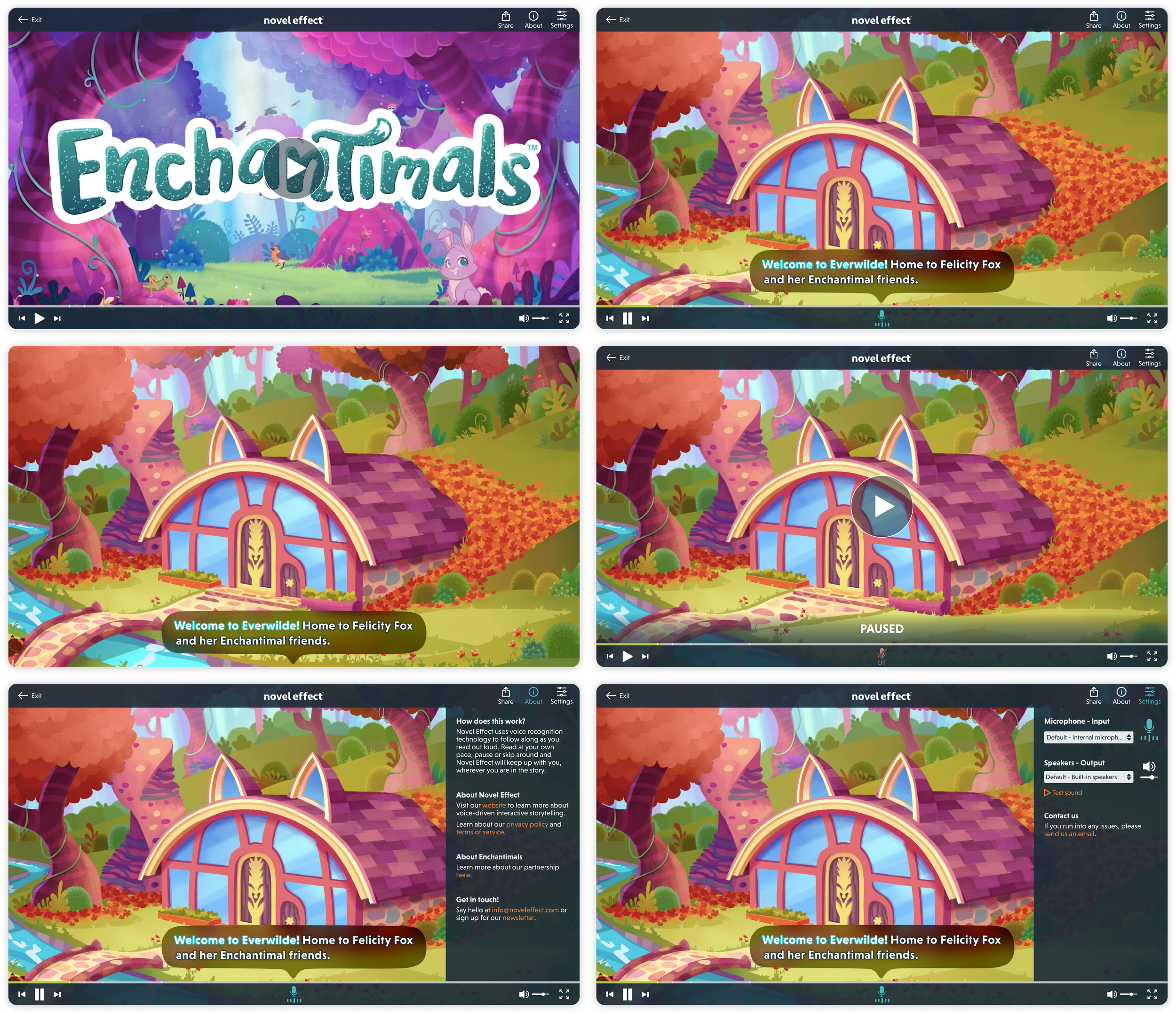
As the reader says the prompts out loud, the words highlight in the speech bubble indicating that the video is following their voice. The video will idle on a looped scene until the next scene is triggered when the reader finishes the sentence inside the prompt.
Since this was a demo, additional information was included in the About section leading readers back to the company. Microphone and speaker settings were added in for convenience and troubleshooting.
MOBILE INTEGRATION
Eventually a the video was added into the previously existing mobile app. Design elements from the mobile app and desktop video were combined to make the experience familiar and seamless for app users.
SMART TV
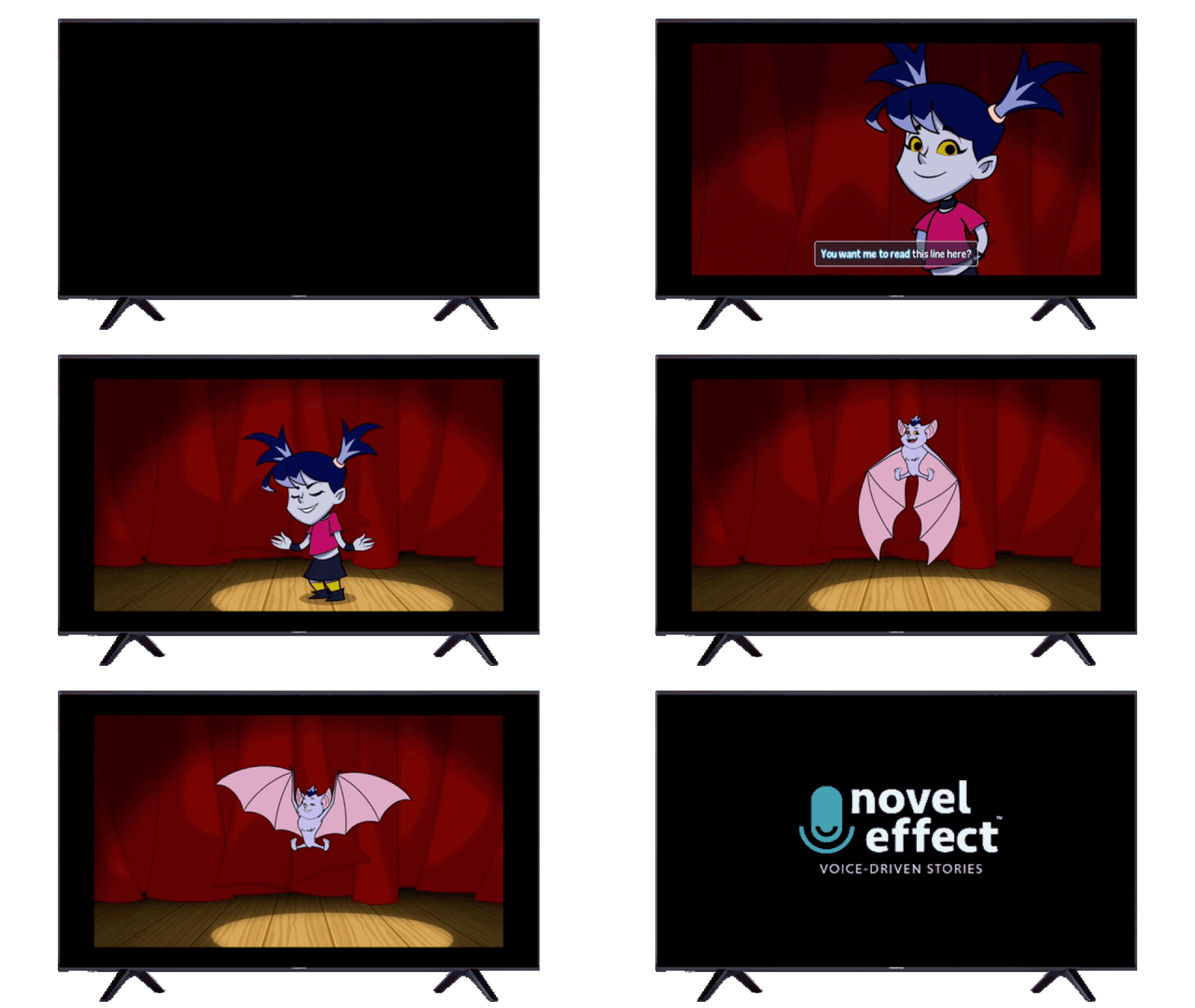
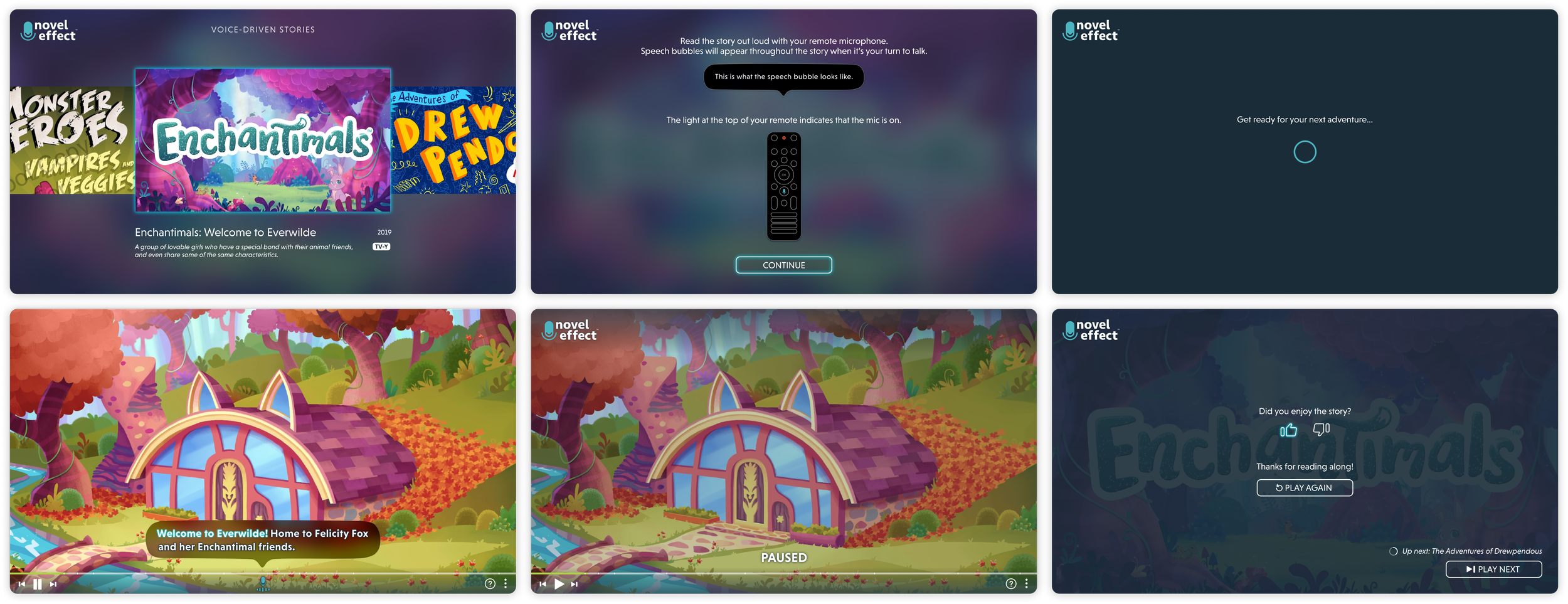
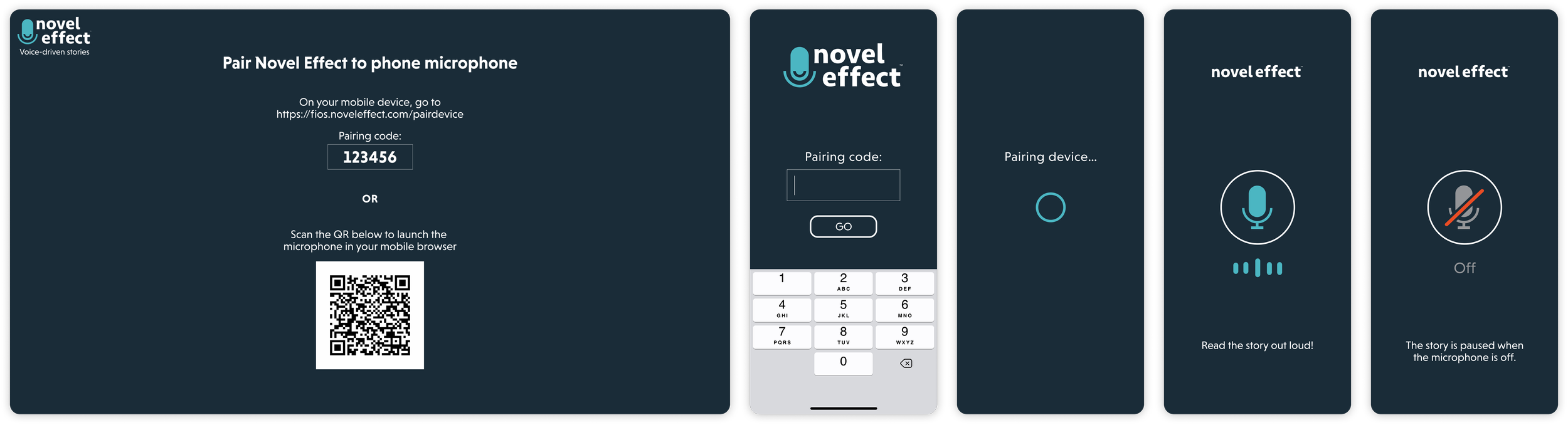
The web video player designs were adapted for a demo for a specific smart TV app, where the remote is used as the microphone. Or the reader’s phone could be paired as an auxiliary microphone instead.
MAKER STUDIO
Novel Effect Creator Studio is the internal tool used to create the voice-interactive media for books and videos that appear in the app. It also serves as the catalogue management and publishing tool for the internal Novel Effect team. More details about the highly complex workflows are available upon request.